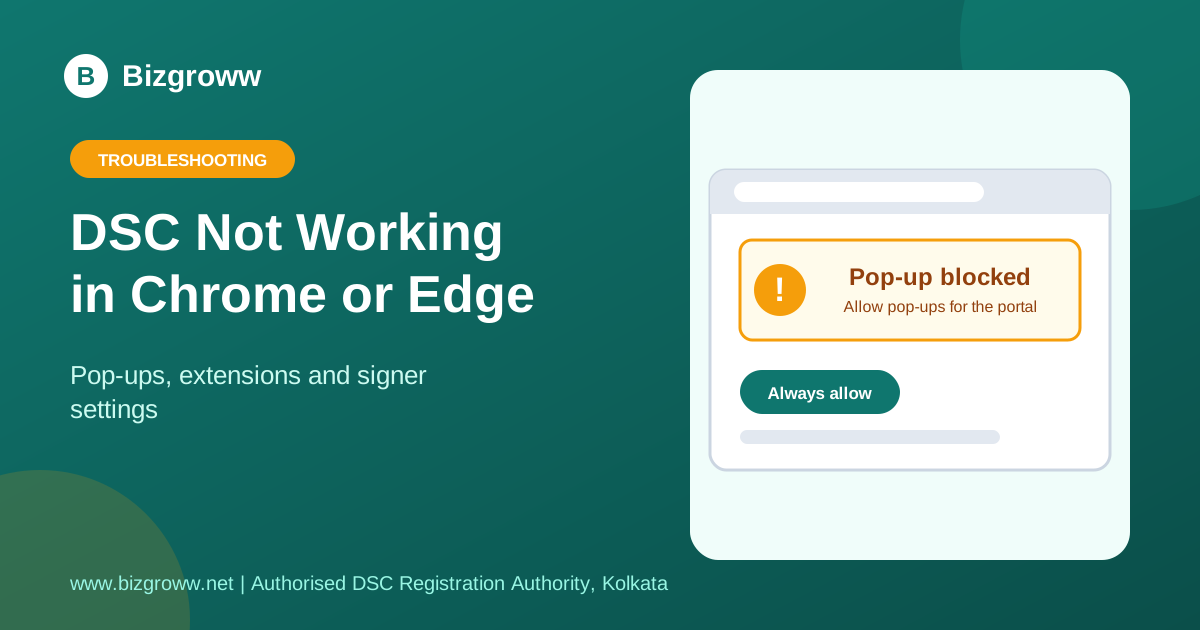
Modern portals use a small signer utility on your computer that the browser talks to. When Chrome or Edge blocks that connection or a pop-up, signing fails. Try these fixes in order.
Browser settings to check
- Open the portal in a normal window, not incognito or private mode.
- Allow pop-ups and redirects and automatic downloads for the portal address.
- Disable extensions that block scripts or ads, or test in a fresh browser profile.
- Update Chrome or Edge to the latest version and restart it.
- Clear cached images, files and cookies for the portal and log in again.
Utility and token
Start the signer before clicking Sign, keep the token plugged in, and confirm the certificate shows in your token utility. If the signer reports a localhost error, follow the 1585 error guide.
If it works in one browser only
Use the browser where it works, and stay on that one for DSC work.
Still stuck? We will fix it with you
Send us a screenshot of the error on WhatsApp. Bizgroww, Kolkata — pan-India DSC support.
💬 Get help on WhatsAppFrequently Asked Questions
Does Internet Explorer still work?
No. It has been retired. Use Chrome or Edge.
Do I need Java?
Most current portals do not rely on browser Java, but some older utilities still do. See our Java guide.
Our DSC Services
- Class 3 DSC
- DGFT DSC
- USB Token for DSC
- DSC in Kolkata
- DSC Price in Kolkata
- DSC for GST
- DSC for Income Tax
- DSC for MCA and Directors
- DSC for e-Tenders
- DSC Renewal Kolkata
- DSC in Behala
- Document Signer Certificate
- NRI and Foreign DSC
- Contact
- See full DSC price list
Related Guides
- Java Blocked or Java Security Warning While Signing With DSC
- "Invalid DSC" or "DSC Rejected": PAN Mismatch and Wrong Certificate
- DSC Not Detected or Not Working After Renewal: What to Do
- How to renew your Digital Signature Certificate
— Bizgroww | Authorized Registration Authority | Kolkata, India